
Conversations
The Conversations dialog is a unified search over all local agent session history. It reads the history files each agent writes to disk, merges them into a single time-sorted list, and lets you resume any past session. Open it with C from the Main Menu, or bind the conversations action to a hot key.
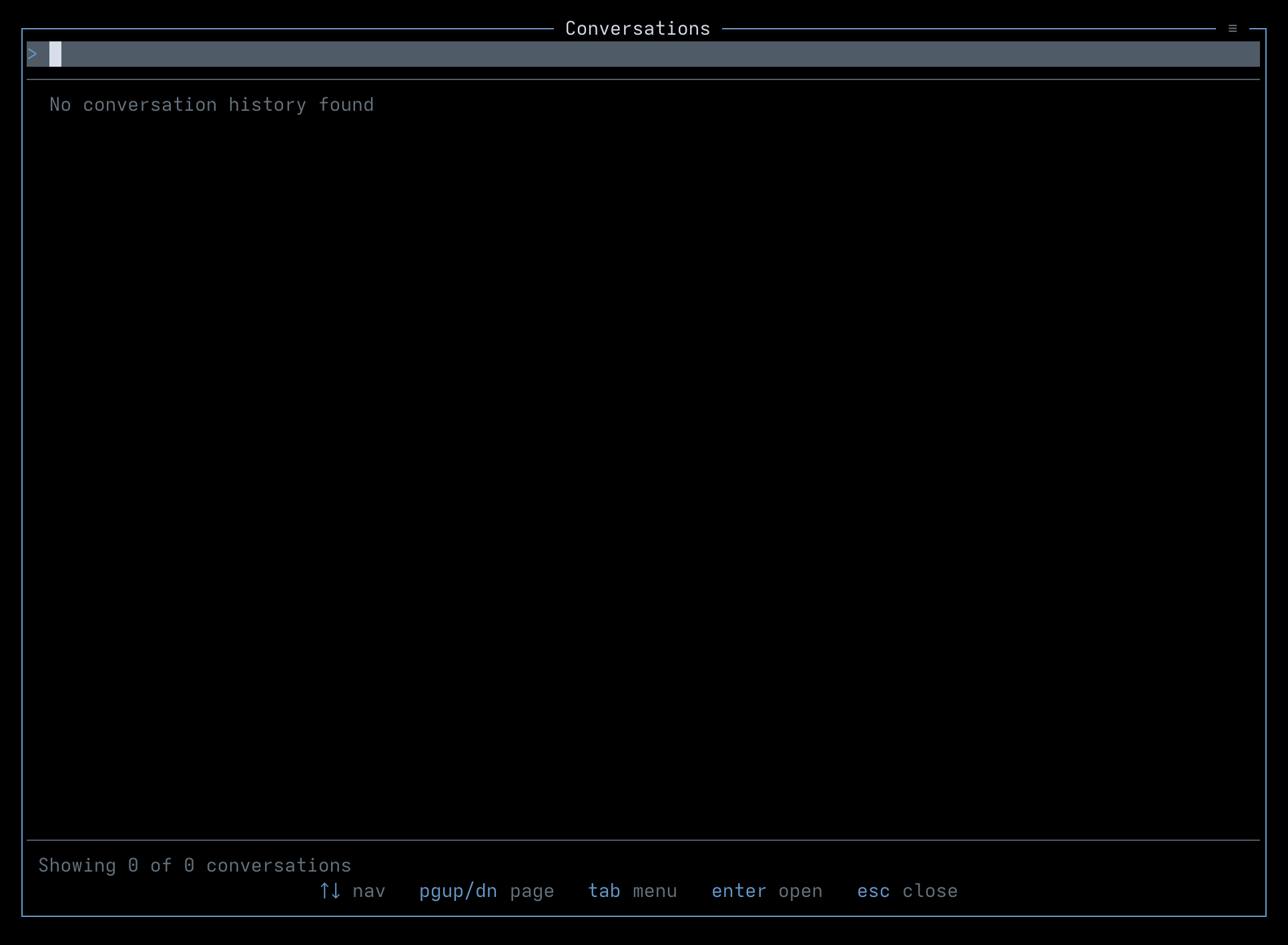
XXX TODO: Better screenshot
Finding conversations
Section titled “Finding conversations”The text field at the top of the dialog filters the list as you type. Matching is case-insensitive plain-text by default, runs against each conversation’s body and its project/folder path, and highlights the hits inline. Each row shows the agent name on the left (colored per agent integration), the session id centered, and the conversation’s timestamp on the right. Focused rows expand to a multi-line preview; the folder path below the preview is shown as Folder: for Claude, Codex, and OpenCode, and Project: for Gemini.
Results are paginated. The status line reads Showing N of M conversations; when ↓ loads more appears, press Page Down or scroll to load the next batch of 50. Up to 10,000 of the most recent entries are indexed across all four agent providers.
Navigate with ↑↓ to move one row at a time, PgUp/PgDn to page, Tab to open the hamburger menu, Enter to open the focused conversation, and Esc to close.
Search options
Section titled “Search options”The ≡ menu at the top-right of the dialog toggles two modifiers:
- Case-sensitive search — when on, the query is matched with exact casing.
- Regex search — when on, the query is compiled as a JavaScript regular expression. Both modifiers can be combined.
When regex mode is on and the query does not compile, the status line turns red and the result area shows Invalid regex: followed by the engine’s error message. Regex errors never silently empty the list — if you see no results without an error, the query is valid and simply matched nothing. Both toggles persist across restarts.
Opening a result
Section titled “Opening a result”Press Enter (or double-click a row) to open the focused conversation. If that session is already running in a Honeymux pane, focus switches to it. Otherwise Honeymux opens a new tmux window in the current session and runs the agent’s resume command in the conversation’s original project directory:
claude --resume <session-id>codex resume <session-id>gemini --resume <session-id>opencode --session <session-id>
If a conversation has no usable session id, the agent is launched without resume arguments so you land in a fresh session of the same tool.
First-run consent
Section titled “First-run consent”The first time you open Conversations, Honeymux asks for permission before reading any history files. The Conversation History Access dialog lists the exact paths it will scan:
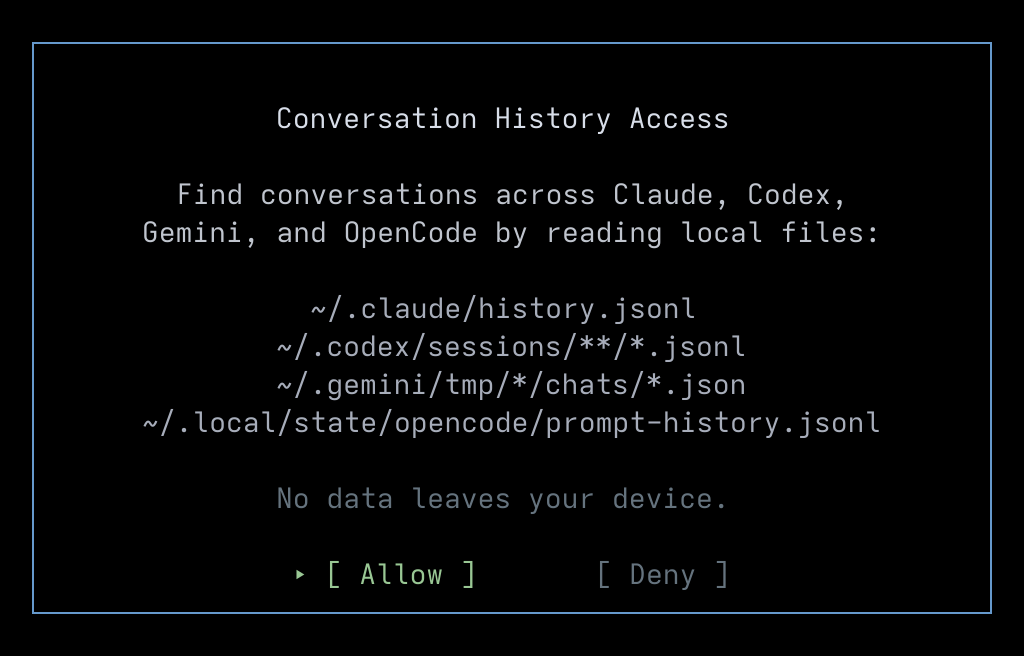
~/.claude/history.jsonl~/.codex/sessions/**/*.jsonl~/.gemini/tmp/*/chats/*.json~/.local/state/opencode/prompt-history.jsonl
No data leaves your device. Choosing Allow starts the initial index and saves the decision; choosing Deny records the refusal and leaves the Conversations dialog empty on future opens. Either choice is persisted to ~/.local/state/honeymux/history-consent.json; delete that file to be asked again. The index itself is cached at ~/.local/state/honeymux/history-cache.json and refreshed automatically every five minutes while the consent is granted — see Log for where indexing progress is recorded.
Screen captures powered by Honeyshots
Copyright © 2026 Aaron Campbell · Apache 2.0