
Options
Press O from the Main Menu to open the Options dialog, or bind the options action to a key. Most edits preview live while you change them, and every change writes through to ~/.config/honeymux/config.json. See Configuration for the full per-setting reference.
General
Section titled “General”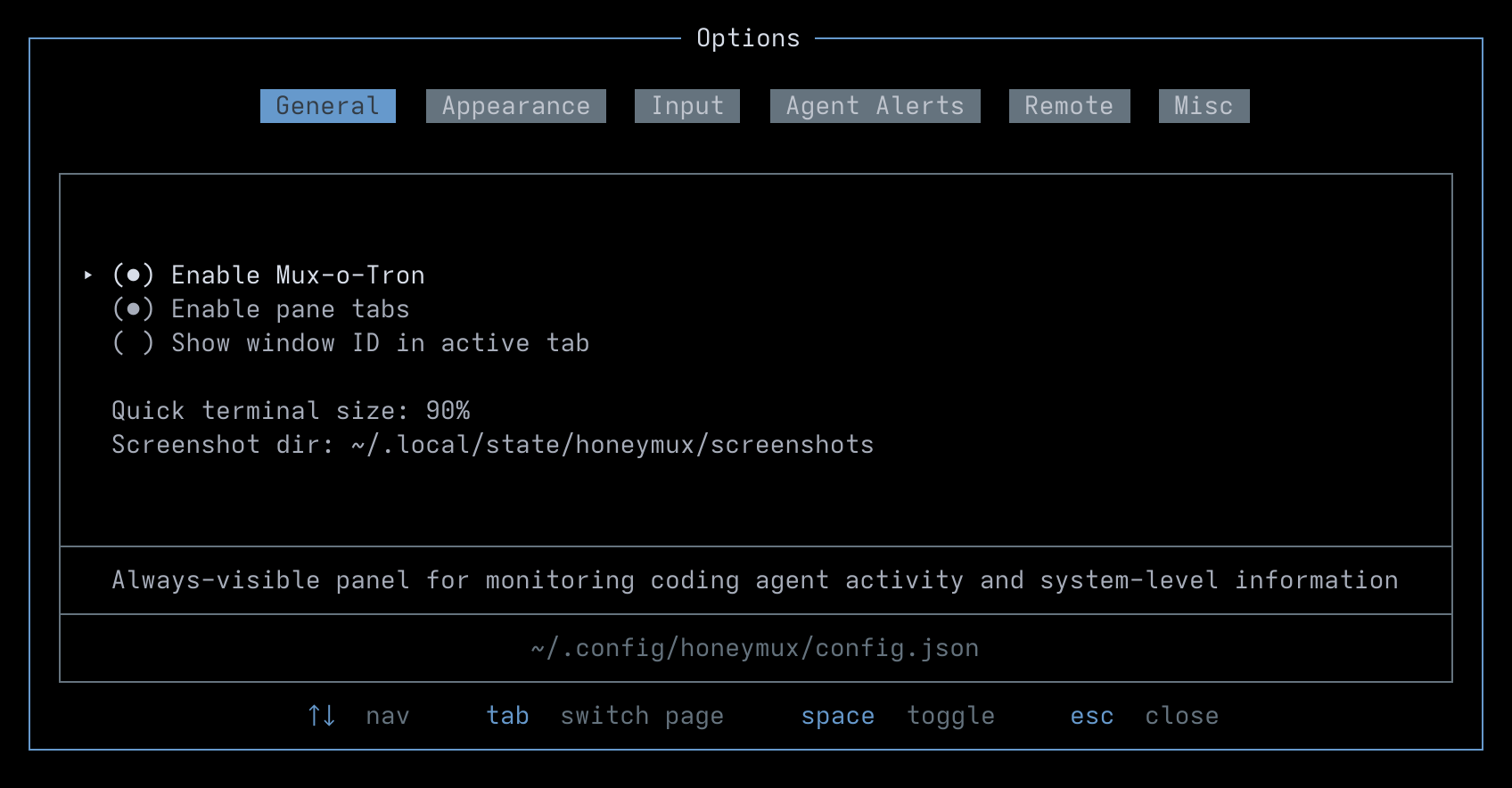
| Label | Config Key |
|---|---|
| Enable Mux-o-Tron | muxotronEnabled |
| Enable pane tabs (experimental) | paneTabsEnabled |
| Show window ID in active tab | activeWindowIdDisplayEnabled |
| Quick terminal size | quickTerminalSize |
| Screenshot dir | screenshotDir |
Appearance
Section titled “Appearance”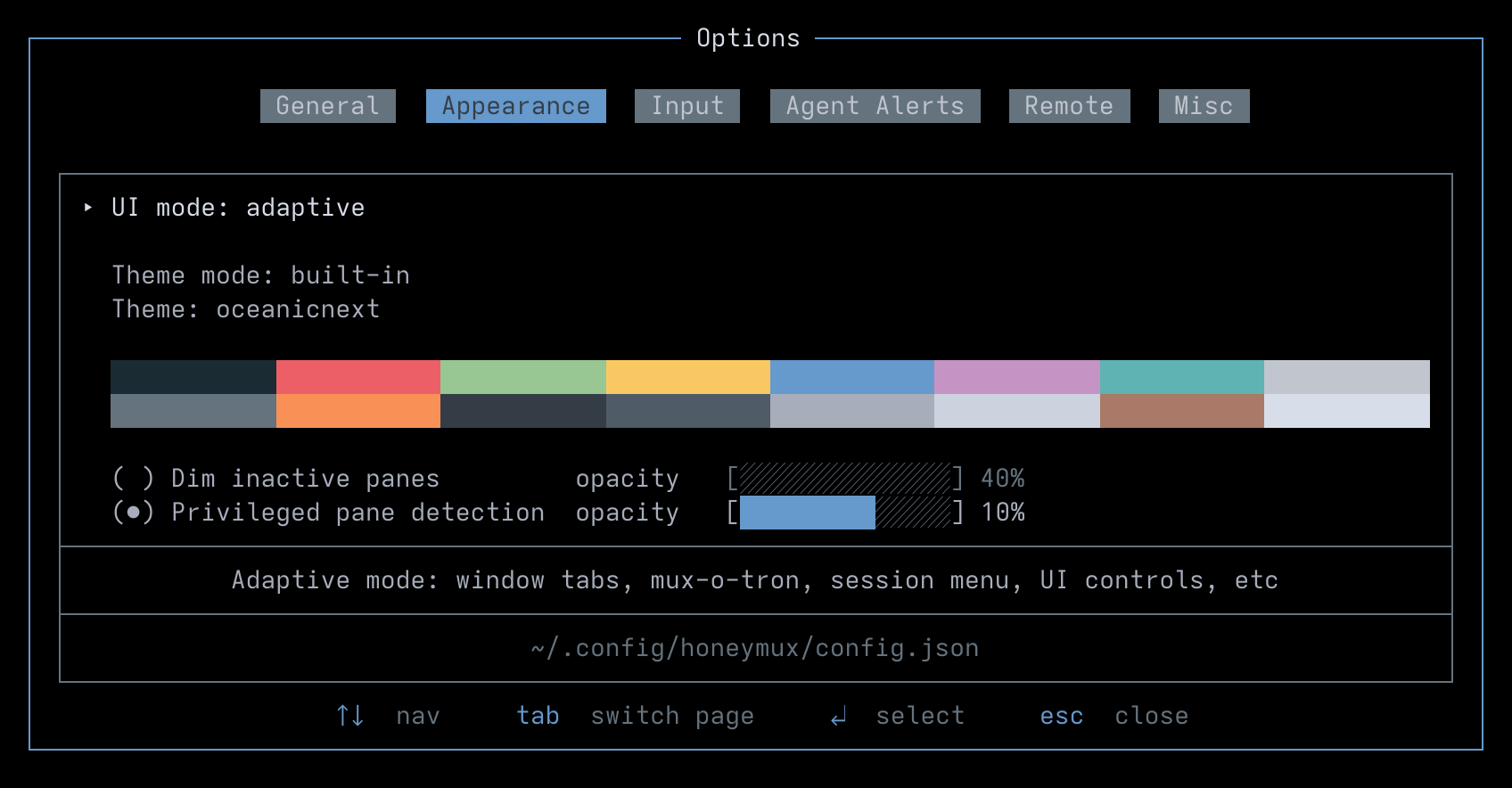
| Label | Config Key |
|---|---|
| UI mode | uiMode |
| Theme mode | themeMode |
| Theme | themeBuiltin |
| Dim inactive panes | dimInactivePanes |
| Dim inactive panes opacity | dimInactivePanesOpacity |
| Root shell detection | privilegedPaneDetection |
| Root shell detection opacity | privilegedPaneDetectionOpacity |
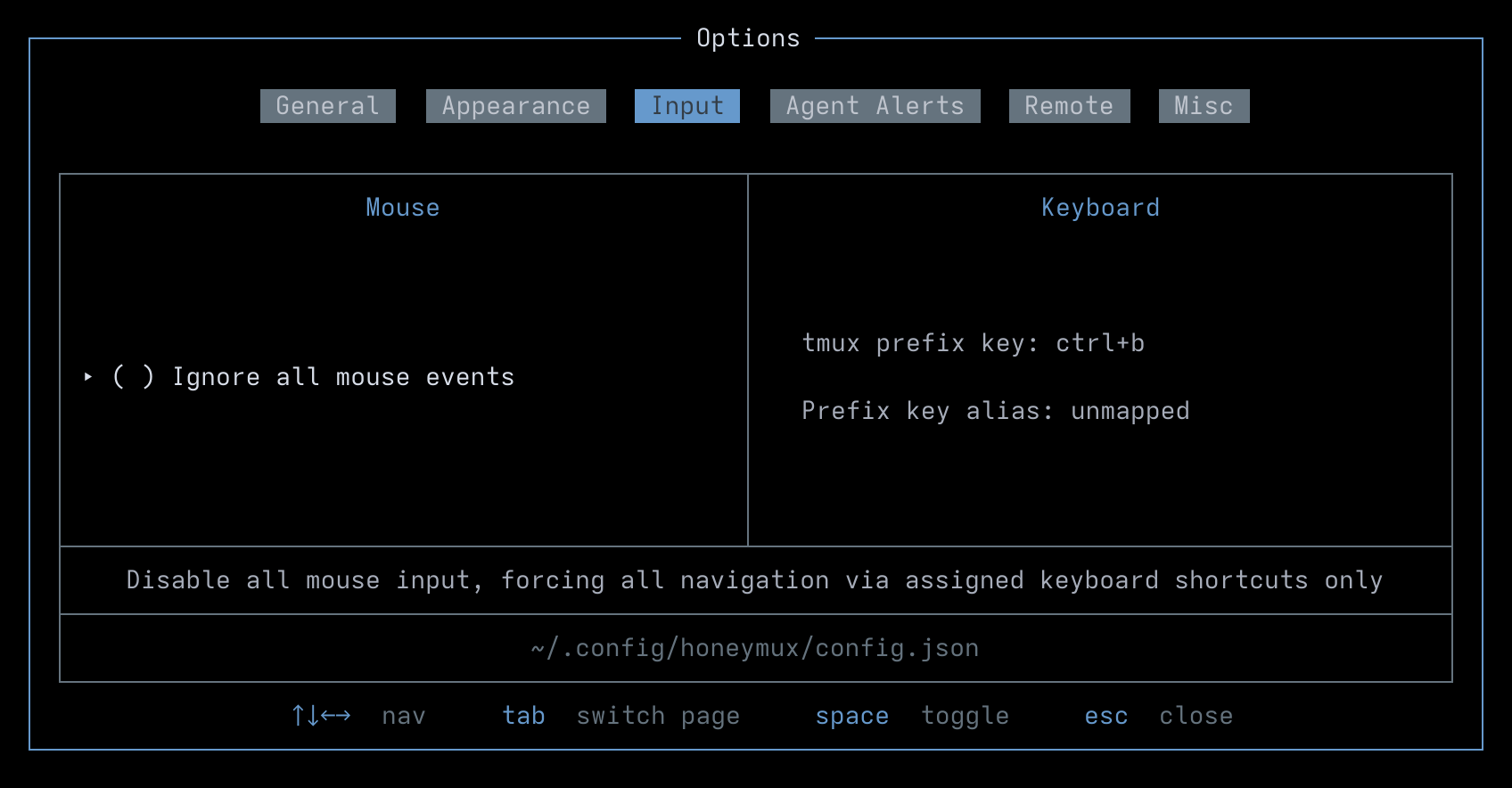
| Label | Config Key |
|---|---|
| Ignore all mouse events | ignoreMouseInput |
| Prefix key alias | tmuxPrefixKeyAlias |
Agent Alerts
Section titled “Agent Alerts”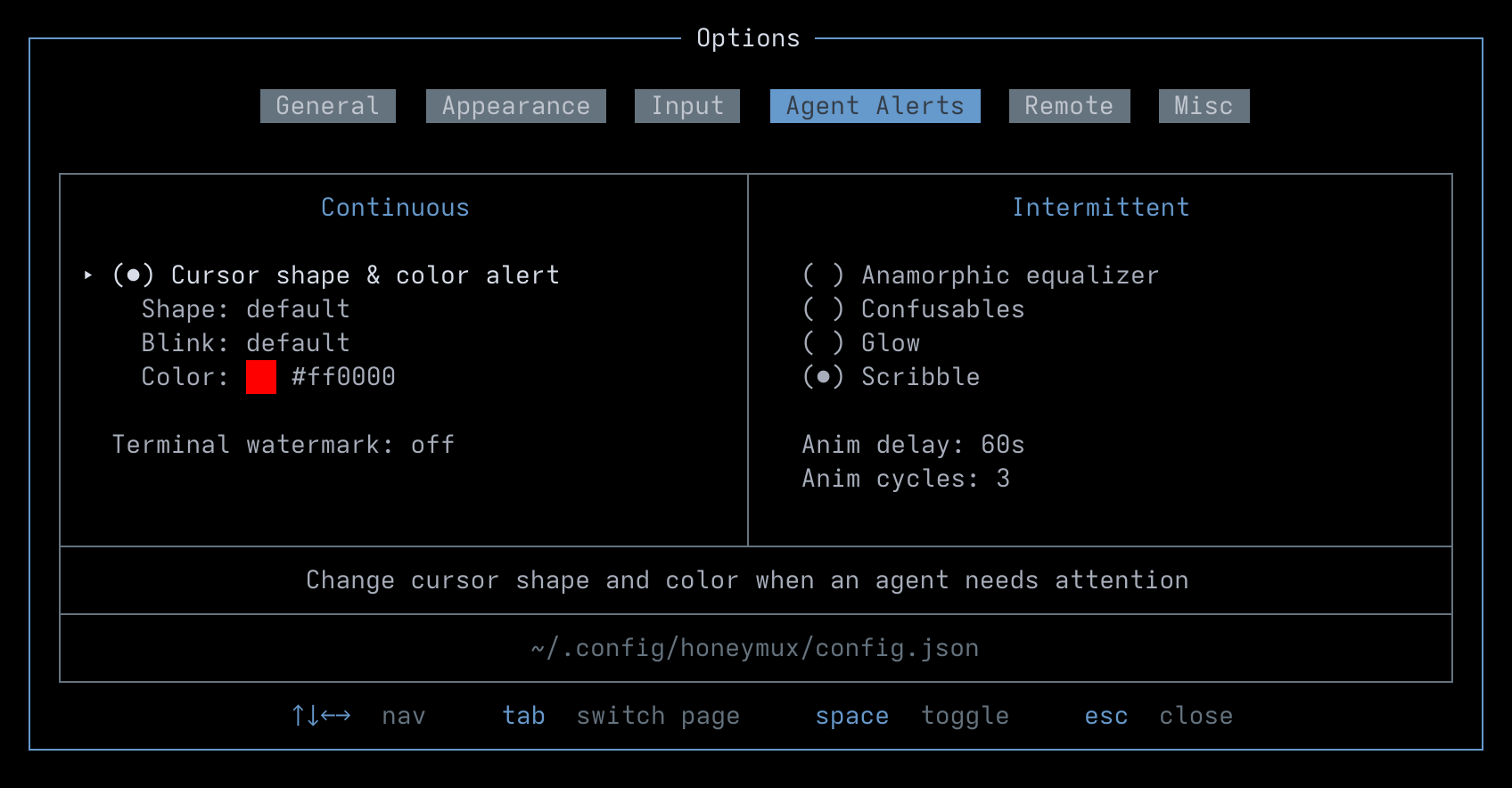
| Label | Config Key |
|---|---|
| Cursor shape & color alert | agentAlertCursorAlert |
| Shape | agentAlertCursorShape |
| Blink | agentAlertCursorBlink |
| Color | agentAlertCursorColor |
| Terminal watermark | agentAlertWatermark |
| Anamorphic equalizer | agentAlertAnimEqualizer |
| Confusables | agentAlertAnimConfusables |
| Glow | agentAlertAnimGlow |
| Scribble | agentAlertAnimScribble |
| Anim delay | agentAlertAnimDelay |
| Anim cycles | agentAlertAnimCycleCount |
Remote
Section titled “Remote”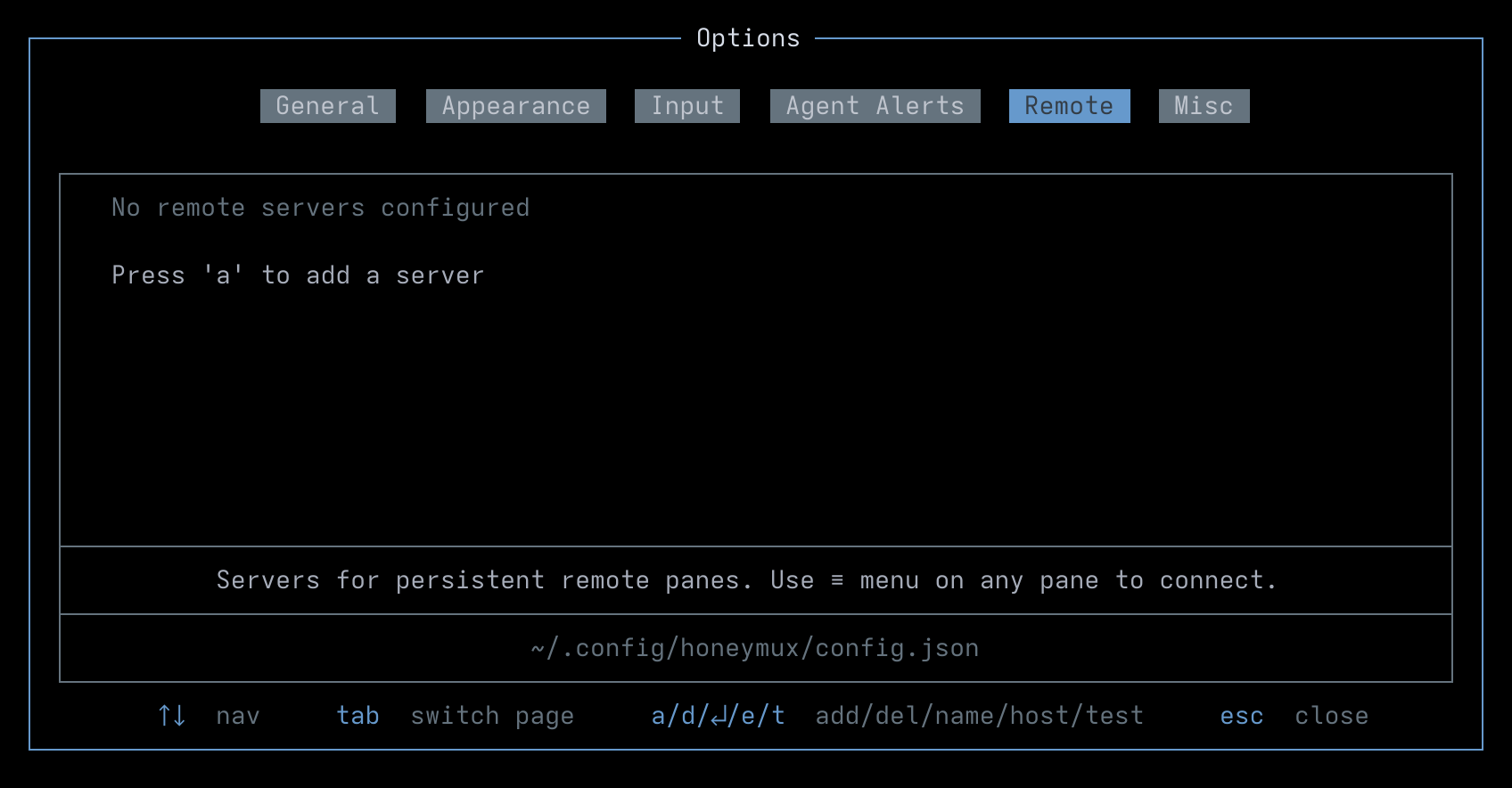
| Label | Config Key |
|---|---|
| Server list | remote |
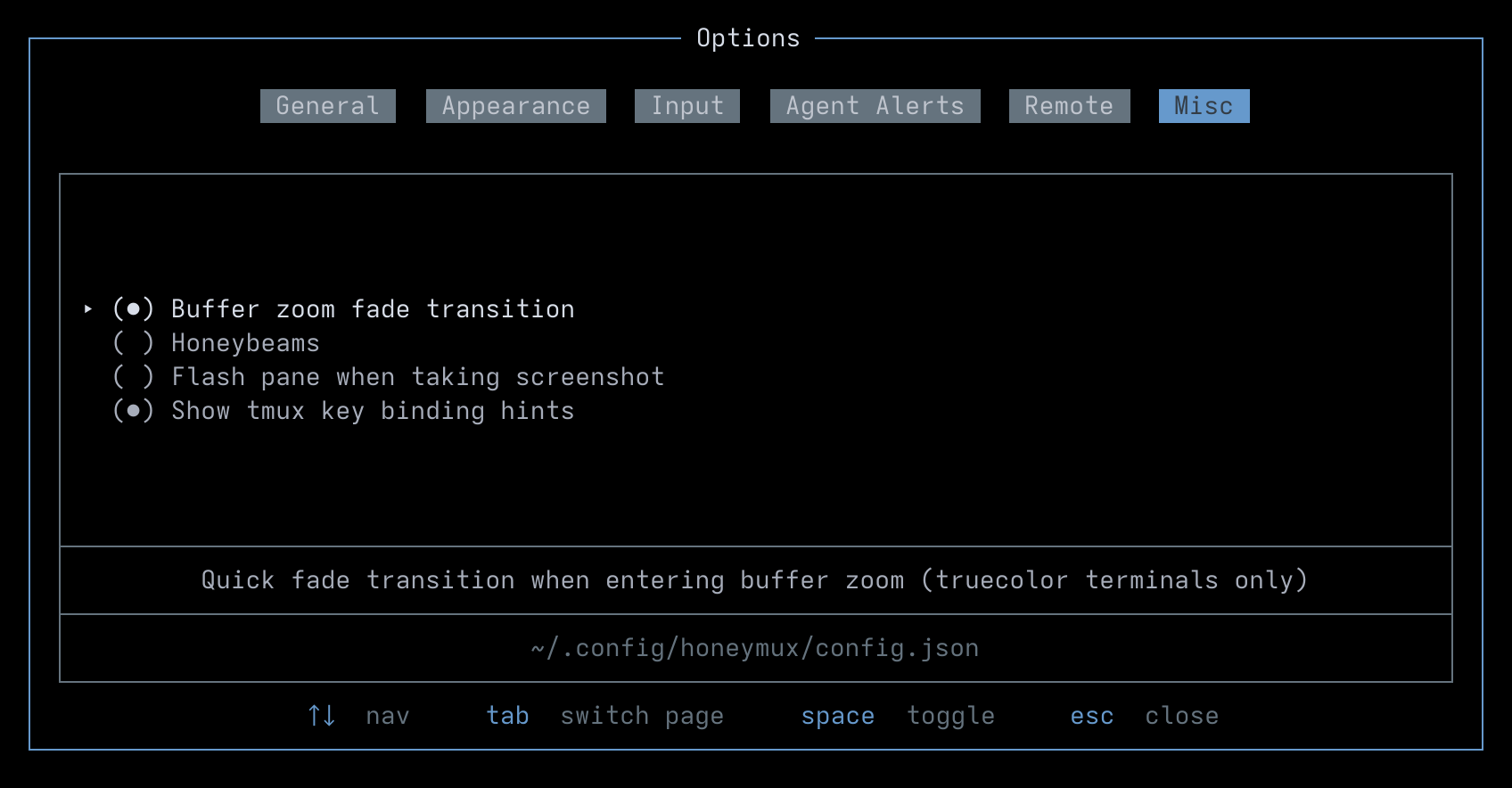
| Label | Config Key |
|---|---|
| Buffer zoom fade transition | bufferZoomFade |
| Honeybeams | honeybeamsEnabled |
| Flash pane when taking screenshot | screenshotFlash |
| Show tmux key binding hints | tmuxKeyBindingHints |
Screen captures powered by Honeyshots
Copyright © 2026 Aaron Campbell · Apache 2.0