
Quick terminal
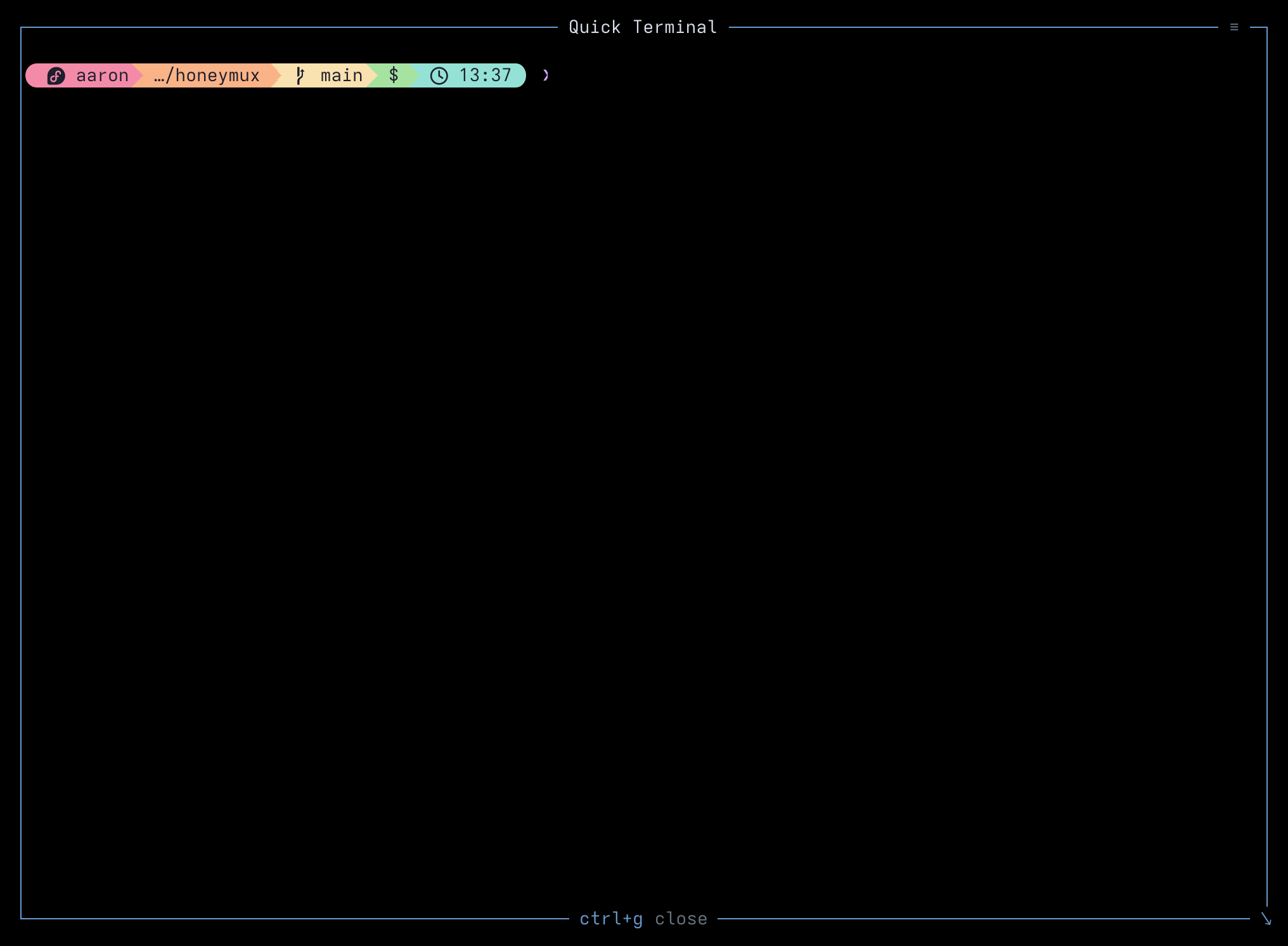
The quick terminal can be used to spawn a temporary, disposable command shell without altering your tmux workspace. It is similar in function to tmux’s display-popup, albeit with fewer options, though panes continue to be updated while the quick terminal is in the foreground.
If you later decide you want to keep the quick terminal running, you can merge it into the current session using the Pin to window option from the dropdown menu. The quick terminal can be resized using its bottom-right-corner control or from the General tab in the Options dialog.
Opening and closing
Section titled “Opening and closing”Open the Quick Terminal from the Main Menu with Q, or by pressing any key you have bound to the quickTerminal action. Pressing the same binding a second time closes the overlay; as a fallback, pressing Ctrl+G also closes it. Any other keys — including Escape — are forwarded to the shell running inside the overlay, so a vim session in the quick terminal behaves the way you’d expect.
The overlay also closes on its own when the shell exits (for example, when you type exit), and clicking the backdrop outside the frame dismisses it.
Pin to window
Section titled “Pin to window”The hamburger icon (☰) in the top-right corner of the overlay opens a small dropdown with two entries:
- Pin to window — moves the running shell into the current tmux session as a new window. The overlay closes, but the process tree (and any children you’ve started inside it) keeps running.
- Close — ends the session and closes the overlay, same as pressing the close binding.
Because the quick terminal is backed by a real, detached tmux session rather than a raw PTY, pinning preserves the shell’s children and scrollback intact.
Resizing
Section titled “Resizing”The overlay occupies a square fraction of the terminal, centered. Drag the ↘ handle at the bottom-right corner to resize in 5% increments between 20% and 100%. The chosen size is written to quickTerminalSize in ~/.config/honeymux/config.json and is also editable from Options → General.
Screen captures powered by Honeyshots
Copyright © 2026 Aaron Campbell · Apache 2.0